Cold email + sequencing

Email isn't dead.
It's a follow-up.

Cold email by itself stopped working a decade ago. Paired with LinkedIn — staggered across two weeks, paused the second they reply — it does the patient work referrals used to do.

Reply detection auto-pauses Domain warmup included CAN-SPAM compliant
A hand-tied bundle of cream letterpress envelopes resting on an advisor's desk

A short reframe

You tried Mailchimp once. That wasn't email.

Bulk-send to a purchased list, single subject line, single creative — that approach hasn't worked since around 2013. The deliverability rules tightened, the inbox got crowded, and prospects learned to scroll past anything that smelled batch-and-blast.

The thing that does work is patient and quiet. A connection request on Monday. A short note three days later. An email a week after that, only if they didn't reply on LinkedIn. A comment on something they posted. A follow-up email three days after that — but only if they're still silent. The moment they answer, everything stops.

That's not bulk email. That's a sequenced, multi-channel cadence — and it's how new clients find their way onto your calendar without you having to think about it.

A vintage fountain pen mid-stroke on cream cotton paper
Patience, not volume.

The centerpiece

A 15-day rhythm, two channels, one stop signal.

Each prospect moves through the same patient cadence. LinkedIn first — that's the warmer channel — then email when they've gone quiet. The second they reply on either channel, the whole sequence halts and the conversation lands in your inbox.

LINKEDINEMAILDay 0inConnectDay 3inMessageDay 12inCommentSEQUENCE PAUSEDThey replied — your turn.
  1. Day 0 LinkedIn A short connection request — references something specific from their profile.
  2. Day 3 LinkedIn If they accepted, a single message. No pitch — a question they'll want to answer.
  3. Day 7 Email If they're still silent, a brief intro email. Plain text, signed by you.
  4. Day 12 LinkedIn A thoughtful comment on a recent post — visible, valuable, not pushy.
  5. Day 15 Email One final follow-up. After this, the prospect goes back to passive observation.
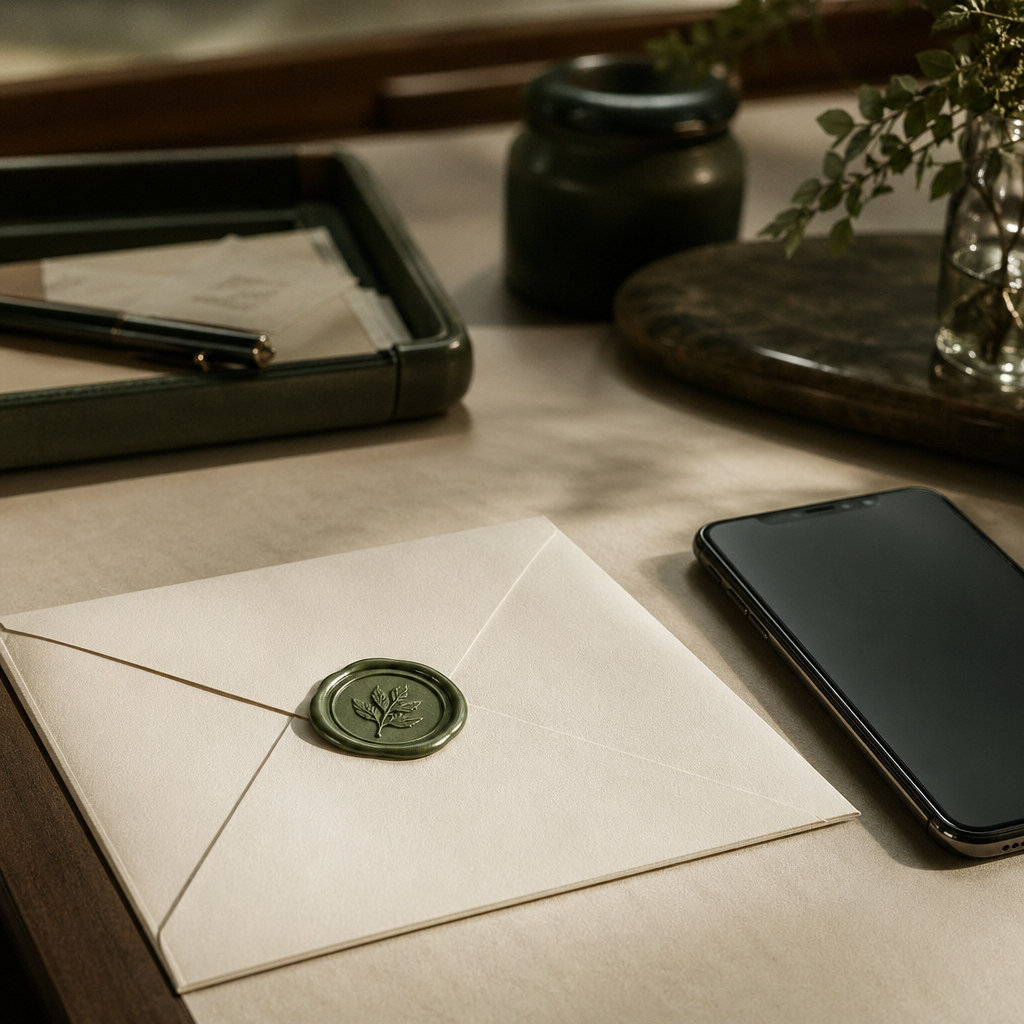
A wax-sealed letter beside a slim phone, evoking multi-channel correspondence

Why two channels

LinkedIn is the warmer channel. Email is the patient one.

LinkedIn opens the door — it's where prospects expect to hear from a peer. But the LinkedIn inbox is noisy, and a single missed notification kills a thread. Email is where serious conversations actually happen, but a cold email out of nowhere reads as spam.

Pair them and the asymmetry disappears. The LinkedIn touch makes the eventual email familiar. The email makes the LinkedIn message feel intentional. The cadence does the work that, twenty years ago, three lunches and a referral letter used to do.

Deliverability, in plain English

Three things keep your email out of spam.

The acronyms sound technical. The ideas aren't. Here's what each one does — and what WealthNavigator handles for you.

01 / WARMUP

Earn a reputation, slowly.

A new sending domain that suddenly fires off 200 emails looks like spam to Google. We send a handful of conversational emails per day for two weeks — to a private network of real inboxes — so your domain builds the kind of history mailbox providers trust.

No sequences run from your domain until warmup completes.

02 / SPF · DKIM · DMARC

Three signatures that prove it's you.

These are DNS records that tell Gmail and Outlook your messages were really sent by you, not by a stranger forging your address. We generate the values you need to add — and we'll wait alongside you while your IT person pastes them in.

One-time setup. Most advisors finish it in under an hour.

03 / VOLUME & PACING

Send like a person, not a machine.

Sequences send across business hours, with natural delays between messages, capped at what a real human inbox would actually produce. No 100-recipient blasts at 6:02am. The cadence looks like correspondence — because that's what it is.

Daily caps adjust based on your reply and bounce rates.

Three antique brass scale weights of increasing size, evoking the tiered deliverability framework
Three weights, one balance: reputation, identity, restraint.

Reply detection

The instant they reply, everything stops.

Nothing damages an advisor's reputation faster than a "follow-up #3" email arriving the morning after the prospect already wrote back. We watch every reply channel — your inbox, LinkedIn, even out-of-office bounces — and pause the sequence the moment one lands.

You see the reply in your unified inbox with the full thread context. LIA drafts your response in your voice. The prospect never gets a stale, automated message after a real conversation has begun.

  • REPLY Pauses the entire cadence, all channels.
  • OOO Reschedules to after the auto-reply window.
  • UNSUBSCRIBE Removes them from this and every future sequence.
  • BOUNCE Halts and flags the address as invalid.
SEQUENCE PAUSEDThey replied — your turn.DAY 0DAY 3DAY 7DAY 12
A vintage postmark or wax seal pressed into cream paper

The honest question

"Isn't this spam?"

A fair question — and one we'd rather you ask now than later. The short answer: no, but only because we built the product around the line.

Real sender, real address.
Every message goes from your domain, your name, your firm. The "from" field is true. The reply-to is your inbox. Nothing forged, nothing spoofed.
Subject lines tell the truth.
No "Re:" prefixes on conversations that never happened. No "Your invoice attached" when there's no invoice. The subject reflects the message — full stop.
One-click unsubscribe, honored permanently.
Every email carries a working opt-out. Clicking it removes the prospect from this sequence and every future sequence across your firm. We treat unsubscribes as final.
A reason you're writing.
Sequences won't queue against a list you scraped. Prospects need to be researched individually, with a reason — they're at a custodian transition, they posted about a liquidity event, you have a mutual connection. Templates that don't reference something specific get flagged before they send.
Volume that mirrors a person.
CAN-SPAM doesn't cap volume — but mailbox providers do, and so do we. A cadence that looks like you're writing one careful message at a time is the only kind we'll send.

Compliance scope: CAN-SPAM (US) is built in. CASL (Canada) and GDPR (EU) require explicit consent and aren't supported on this product yet.

Template library

Sequences for the moments that actually warrant a message.

A starter library of cadences, tuned for the situations advisors actually reach out about. Each one is editable down to the punctuation — and LIA personalizes every send around the prospect's specifics.

A small fan of cream index cards arranged on a paper-cream desk
A starter set. Edit, delete, write your own.
  • Custodian transition
    Their firm just announced a Schwab → Fidelity move Empathetic, practical
  • Post-liquidity event
    They sold a business or took an exit Quiet, no pitch
  • Mutual connection
    You share a client, COI, or alma mater Warm, brief
  • Conference follow-up
    You met at an industry event Specific, conversational
  • Posted about a topic
    They shared a take on succession, planning, or markets Adds a thought, not a pitch
  • New role announcement
    A LinkedIn job change in their household Congratulatory, light

Templates are starting points, not crutches. LIA rewrites every message around the specific prospect — the same template never sends twice in identical form.

Honest answers

Questions advisors ask before they sign on.

What kind of deliverability rates should I expect?

Once warmup completes and your DNS records are in place, advisors typically see 95%+ inbox placement on cold messages within their custodian's network. We monitor placement continuously — if a domain's reputation slips, sequences pause automatically while we sort it out.

What happens if I damage my sender reputation?

We track bounce rates, spam complaints, and reply rates per domain in real time. If any of them drift toward dangerous territory, we throttle sends and notify you the same day — usually before mailbox providers notice. If reputation is already damaged from prior tools, we have a remediation playbook.

What happens the moment a prospect replies?

The entire sequence halts — across LinkedIn and email both. The reply lands in your unified inbox with full thread context. LIA drafts a response in your voice. You approve, edit, or rewrite. Nothing else automated touches that prospect again unless you reactivate them.

How do I write the actual emails? I'm an advisor, not a copywriter.

You don't, mostly. You give LIA a few notes about your firm, your voice, and what you usually talk to prospects about. LIA drafts the templates and personalizes each individual send. You edit anything that doesn't sound like you. Over a few weeks, the drafts need less editing.

Does LIA write the emails — or do I?

LIA drafts; you approve. Every message — connection request, email, follow-up — sits in a queue waiting for your green-light before it sends. You can also flip on auto-send for specific cadences once you trust the voice, but the default is approval-required.

Can I A/B test subject lines or opening sentences?

Yes, on the templates themselves. The system tracks open rates and reply rates per variant and weights toward the better-performing version. We don't run tests on individual prospects — that would mean sending one of them a worse version on purpose, which feels wrong.

What if my broker-dealer has rules about email outreach?

Most BDs have a written policy: pre-approval queues, certain disclaimers, banned phrases, or full archival. WealthNavigator can route every send through a pre-approval workflow before it leaves your account, append firm-required disclaimers automatically, and archive every message and reply in tamper-evident form for your CCO. Talk to us about your specific BD setup before you sign on.

Book a walkthrough

See a real cadence run during the call.

We'll set up a 15-day sequence against three of your prospects, walk through every send, and show you exactly where reply detection halts the cadence. Twenty minutes.

Calendar pending setup

The booking widget loads here once PUBLIC_BOOKING_PUBLIC_ID and PUBLIC_BOOKING_BASE_URL are set in .env. In the meantime, write to us directly.

Email us instead